🇬🇧 English
🇬🇧 English
Тёмная тема
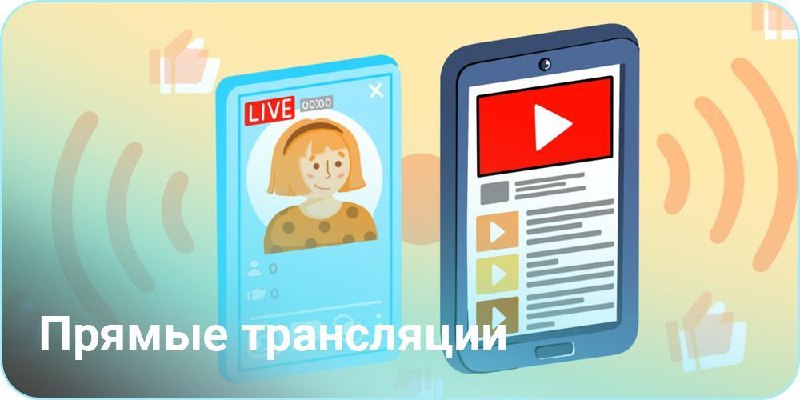
Live streaming is a feature of the Neurocontent Creator that allows you to broadcast video simultaneously to all connected social networks and platforms. One stream — everywhere.
The setup is available on the page: ai.knopka.click/multistream
The Neurocontent Creator can start a live stream in three ways:
Just send a link to the video or upload the file — the Neurocontent Creator will automatically start it as a broadcast on all connected social networks.
Stream the screen of any application — whether it's an official platform, presentation, or work process. The Neurocontent Creator transmits the image to all networks at once.
Invite the Neuroassistant to a video call — and show it live to all social networks. A live dialogue with an AI colleague in real time, seen by all viewers simultaneously.
The Neurocontent Creator helps you register and connect to any social networks and streaming platforms.
A detailed breakdown of requirements, limits, and instructions on obtaining a stream key for each platform can be found in a separate article: Platforms for Live Streaming.
If you don't have an account on the required platform, don't have time to set one up, or the account doesn't meet the conditions — the Neuroassistant can do it for you (separate service, charged in pink tokens).
All comments from all platforms are gathered in one place — you see the chat as a single stream, without switching between networks.
Statistics for each broadcast are also available in a unified panel: who watched, where they came from, how much they watched.
| 🚀 One stream — everywhere | The stream goes to a server, and the server (with a good connection) distributes it to all social networks. Your internet is only used for one broadcast. |
| 🌐 Any platforms | You can connect YouTube, Twitch, VK Video, Telegram, Rutube, Kick, and any others that support streaming. |
| 💻 No need for a powerful PC | If streaming directly from a home computer — regular internet might not suffice. The Neurocontent Creator solves this: you send the video to the server, and the server distributes it across networks. |
| 📱 Stream from any application | Screen capture, camera, presentation — anything. |
| 🧠 Neuroassistant on air | Invite an AI colleague to the call and show it to viewers. |
| 💬 Unified chat | Comments from all platforms in one window. |
| 📊 Statistics | Views, reach, activity — all in one place. |
| 🔧 Setup assistance | The Neurocontent Creator will guide you through the steps, and if needed — the Neuroassistant will handle everything turn-key. |
The feature is available upon activation via the command: t.me/aiworkersbot?start=gpt_415r.
Want to give it a try? Start with one video file — it's the quickest way to evaluate multistreaming.